

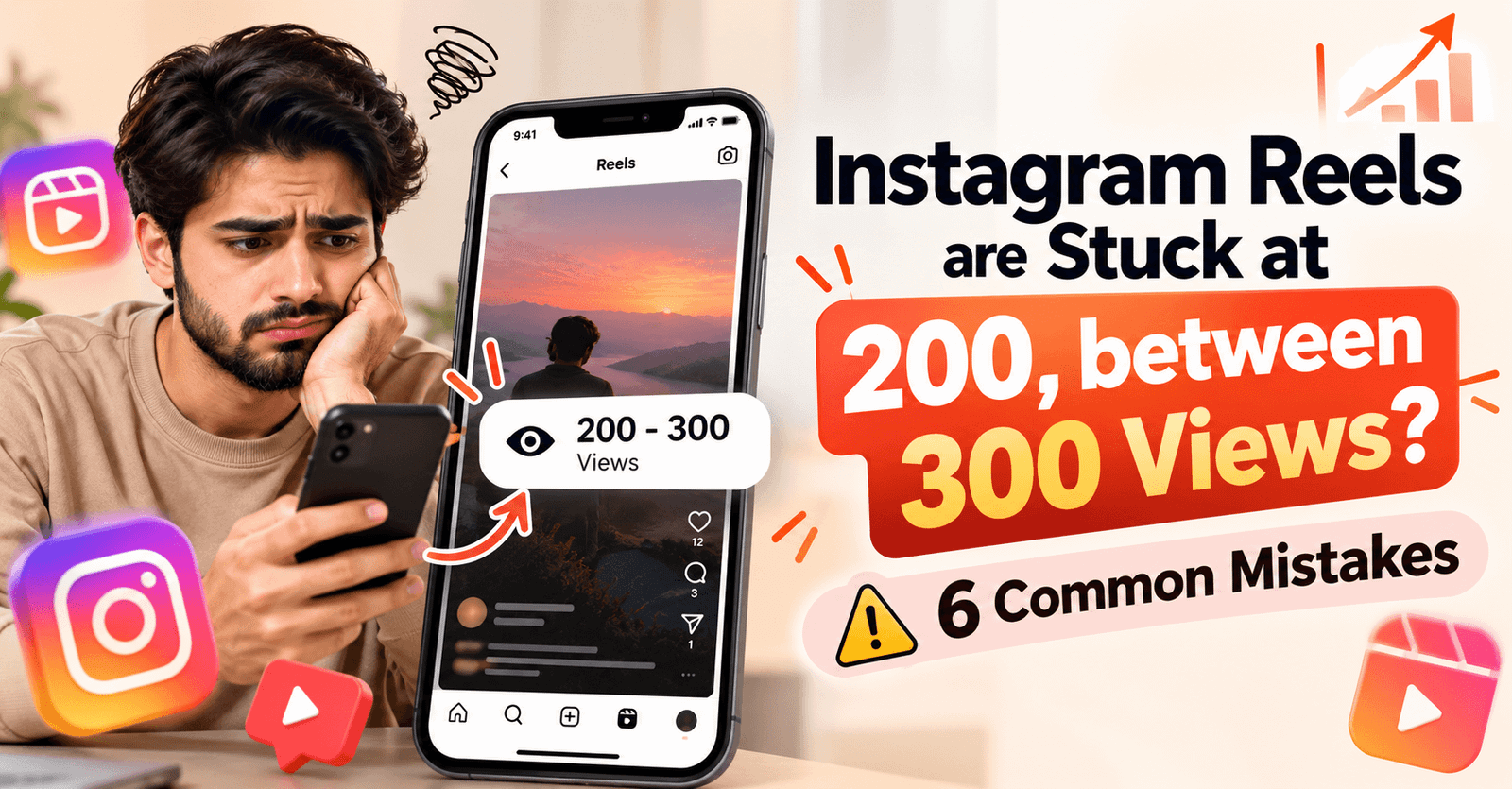
It takes a lot of effort to shoot a reel in good natural lighting, then edit it to remove unnecessary clips, add filters like zoom in and zoom out, and give it a cinematic feel. Even after all this hard work, it’s frustrating to see your Reel stuck at 200 to 300 views. However, there’s no single reason for this; instead, several key factors are taken into consideration, such as hook, retention, content quality, engagement, and audience relevance. This guide, after telling you about common mistakes, also promises to provide practical solutions.
Quick Answer: By Prio Topic
The reasons why Instagram Reels tend to get around 200 to 300 views are due to mistakes users make while creating Reels, such as a weak hook, lack of engaging and relevant content, or unclear topics. However, content becomes stronger when it includes cuts, a fast pace, and concise information.
Why Are My Instagram Reels Stuck at 200 Views?
Identifying a single reason as a possible reason for a Reel’s underperformance isn’t the solution. Instead, it’s important to find the root cause and apply the right resolution.
What could be the cause of views on Reels not increasing?
- Weak opening/hook
- People quickly swiping away
- Reel not relevant to audience
- Low watch time/retention
- Repetitive or unoriginal content
- Poor topic selection
- Weak caption/context
- Inconsistent posting
Common Mistakes That Keep Reels Stuck at 200–300 Views
1. First Few Seconds Are Not Interesting
Long intros, greetings, and unnecessary setups in Reels can make them unnecessarily boring. Instead, start with a strong, clear hook in 3 seconds.
2. Reel Is Too Slow
Don’t include unnecessary, boring scenes or long pauses because audiences look for clear, fast, quick cuts, and concise information.
3. Creating Content Without Knowing the Audience
Instead of creating a Reel based on a random topic, create a Reel around the user’s problems, pain points, questions, and interests. This will prevent the user from ignoring the Reel and instead stop them from scrolling and make them watch it.
4. Focusing Only on Hashtags
Expecting views just by targeting hashtags is wrong. Therefore, prioritize content quality, topic relevance, and view retention. This will not only help your reel gain views but also ensure its performance.
5. Posting Repetitive or Low-Value Content
Repeating the same format and topic in your Reel will not only increase views, but it will also require improvement each time. So, test different hooks, angles, examples, and new formats.
6. Giving Up After One or Two Low-View Reels
Don’t consider the lack of performance of just one or two reels as your final result. Instead, you should create reels on multiple topics and see which patterns are most prevalent.
How to Get Your Instagram Reels Past
1. Create a Strong Hook
Users scroll very fast on Instagram, and to get their attention on your Reel at this point in time, you need to show direct results or the user’s mistakes.
Examples:
“Your Reels are stuck at 200 views? Try this.”
“3 mistakes killing your Reel.”
“Before posting your next Reel, check this.”
2. Improve Watch Time
Unnecessary introductions in content don’t inform the user, but instead make the Reel boring and garbage-like. Therefore, users often skip the Reel after watching it once, which doesn’t increase watch time.
- Remove unnecessary introductions.
- Keep the information moving.
- Use curiosity/open loops.
- Deliver the promised information quickly.
3. Make Reels People Want to Share or Save
Instagram users don’t save or share content without reason unless they receive information that solves their problems in formats like step-by-step lists and checklists.
- Tutorials
- Quick tips
- Checklists
- Mistakes to avoid
- Before/after examples
- Useful information
4. Test Different Reel Formats
Using just one format won’t determine which Reel will be most popular, so test each format, but it’s important that it’s relevant to your niche. For example:
- Talking-head videos
- Tutorials
- List-style Reels
- Storytelling
- Screen recordings
- Trending formats relevant to your niche
5. Study Your Reel Insights
Data helps you learn which Reels performed best and determine the format or topic used so that you can tailor your strategy accordingly. However, you should know which metrics to check in Insights. For example:
- Views
- Watch time
- Average watch time
- Shares
- Saves
- Comments
- Follows generated
Key point: Don’t dismiss a Reel as a failure just because it has a low number of views; instead, consider how users responded.
What to Do If Every Reel Is Stuck at 200–300 Views
Give a simple action plan:
Once your Reel gets 200 or 300 views, identify its mistakes and take action instead of focusing on improving it on the second Reel so that no future Reels get stuck with fewer views.
For the next 10 Reels:
- Improve the first 2 seconds.
- Remove unnecessary clips.
- Focus each Reel on one clear topic.
- Test different hooks.
- Create content specifically for your target audience.
- Review Insights after every Reel.
- Repeat formats that generate stronger watch time/shares.
- Stop repeating formats that consistently underperform.
Conclusion
Just because your Instagram Reel is stuck at 200 or 300 views doesn’t mean your account is automatically blocked. So, instead of just chasing hacks, look at the real reasons why your Reel isn’t getting views. Improve your Reels by looking at these potential reasons, giving each new Reel a purpose, and using the insights to improve your next Reel. Stay Connected to Prio Topic for the latest Instagram and social media topics.








Leave a Reply